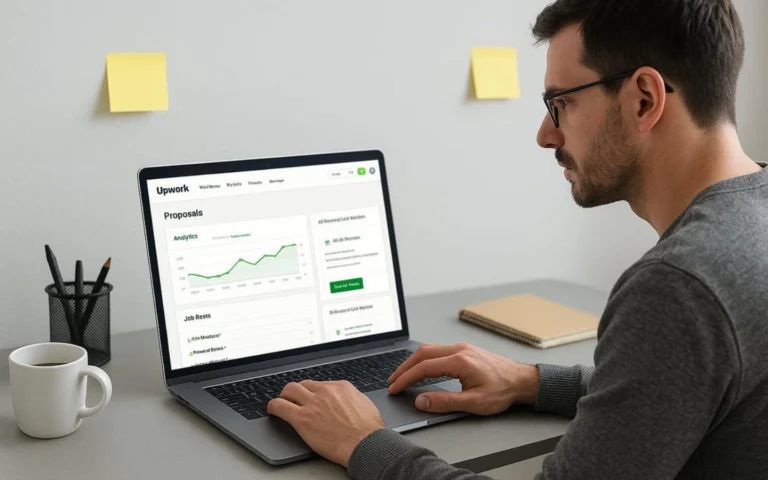
The Short Answer
Yes, in the situation that trips people up. Sending a client a Calendly link before you have a contract violates Upwork's Terms of Service. Upwork's current User Agreement defines a banned “Means of Direct Contact” to include “a link to a contact form or form requesting contact information,” and Upwork's Help Center says outright that sharing a meeting link before a contract starts counts as circumvention.
That changes the moment you're hired. Upwork's Help Center is direct about this: once a contract has started, you can use your own meeting tools, Calendly included.
One complication is worth flagging before you decide how careful to be. A real, dated Upwork staff member gave noticeably looser guidance on this exact question back in 2023, in a public Community thread, and nobody at Upwork has ever reconciled that with the stricter written rule. This article covers both — the official policy and the exception — clearly labeled, so you're working from an informed picture instead of a scare headline or a rumor someone repeated in a forum.
What Upwork's Rules Say

How Upwork defines the problem
Upwork's User Agreement, in Section 7 (“Non-Circumvention”), bars sharing a “Means of Direct Contact” before a contract exists. The definition is broad. It names phone numbers, email addresses, physical addresses, and usernames for apps like Skype or Telegram. It also names something easy to miss: “a link to a contact form or form requesting contact information.”
That last part sets a stricter bar than most freelancers assume. The question isn't whether a link visibly shows your email. It's whether the link leads to a form that asks for one. A scheduling page clears that bar even when the email address never appears anywhere in the link text itself.
Why this applies to Calendly, even though Upwork never names it
No Upwork policy page names Calendly. That silence shouldn't be read as a green light. Upwork writes its rules around categories of behavior, not brand names, and there's a Help Center article that addresses exactly this situation without naming any specific product: “Can I share my own meeting link without using the tools within Upwork?” It says sharing a meeting link before a contract has started is circumvention, full stop, and that your own meeting tools are fine once you're hired.
Calendly's entire job is generating and sharing a scheduling link. That's precisely the category this rule targets.
The portfolio-link exception, and why it doesn't cover Calendly
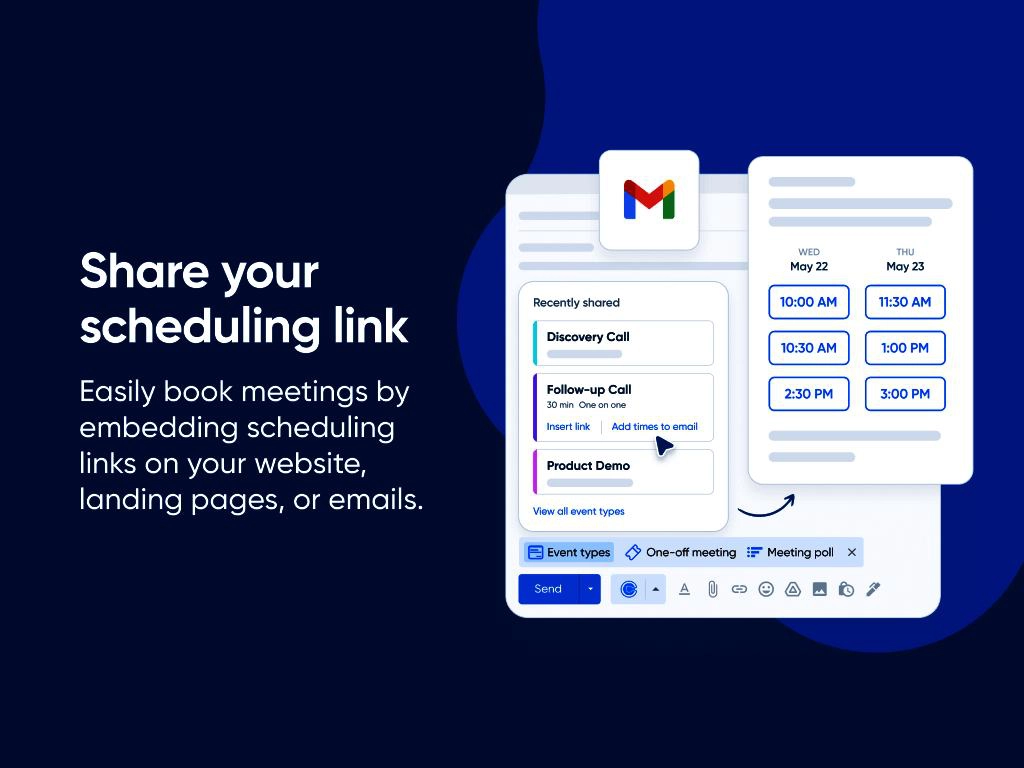
Upwork does carve out one real exception here. Freelancers and clients can share a portfolio or work-sample link before a contract starts, as long as further contact still happens on Upwork. So this isn't a blanket ban on anything with a URL in it — what the link does is what matters.
A portfolio link shows finished work. A Calendly link exists to collect information and set up contact outside the platform. Those are different jobs, and the exception carved out for one doesn't stretch to cover the other.
Interviews are still “before a contract”
Upwork's Help Center spells this out directly: don't share contact information “in your job post, proposal, or during an interview.” An interview isn't some looser, in-between category. It's still pre-contract, and the same restriction applies there as anywhere else.
What Happens After a Contract Starts
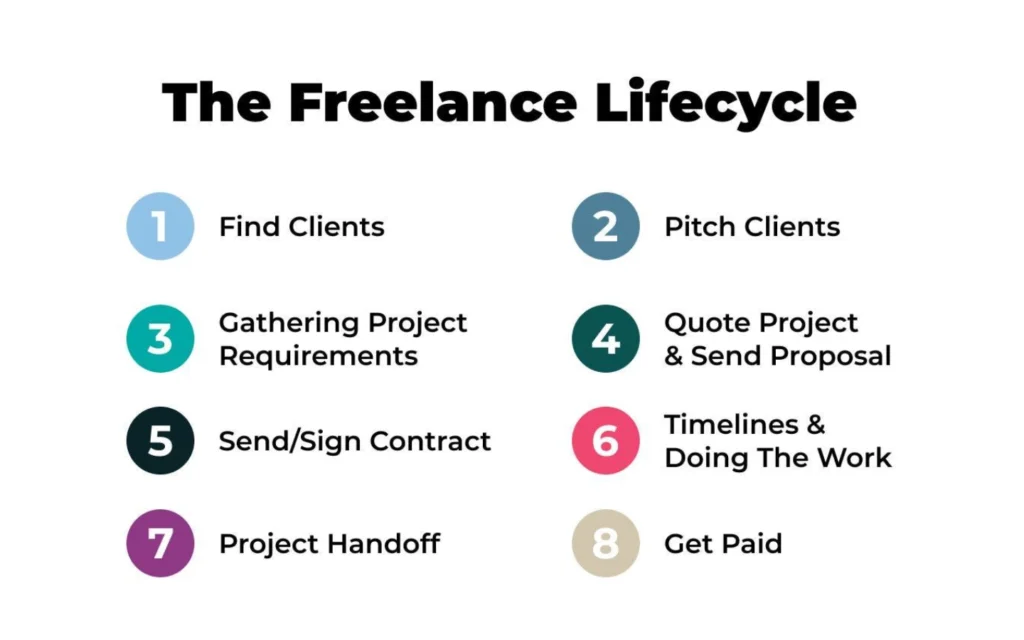
This is the cleanest part of the whole question. Upwork's Help Center states plainly that once a contract has started, you're free to use your own meeting tools, and while Upwork suggests using the contract workroom, it doesn't require it. Nothing found in this research pushes back on that. It's the one piece of this rule where official guidance doesn't waver.
Put simply: the same Calendly link that's a problem to send a prospective client stops being a problem the moment that person hires you.
What Calendly Itself Does
Knowing why the rule applies to Calendly means knowing, specifically, what the tool does — not what people assume it does.
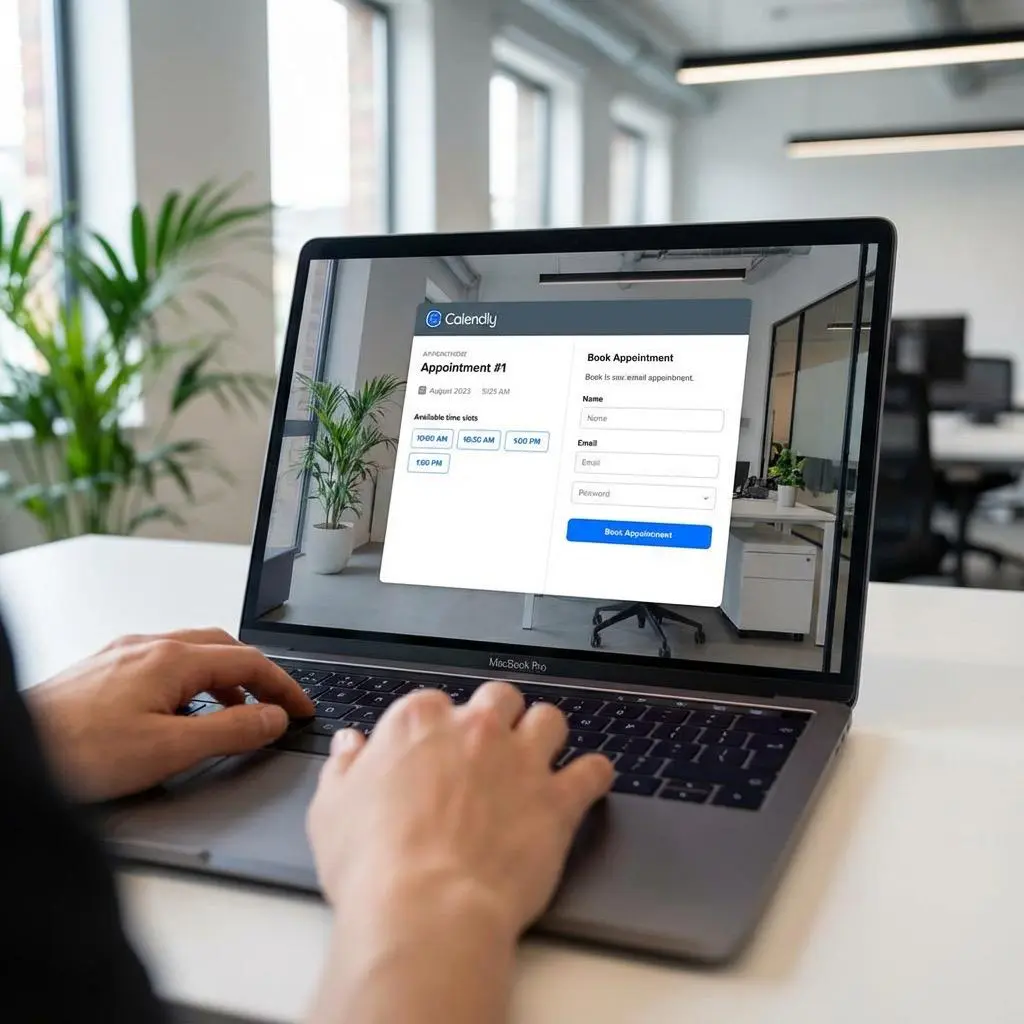
A booking always collects a name and email
Per Calendly's own Help Center, invitees have to enter a name and email to book, by default. There's no standard setting anywhere in the product that removes this. That's worth knowing because a claim floating around freelancer forums — that you can “use Calendly as long as you hide your email” — doesn't line up with what Calendly's own documentation describes.
The email doesn't just disappear after the meeting
Calendly's Contacts feature saves a contact record, name and email included, the second someone books. On paid plans, the account owner can then email that person directly, with or without sending another booking link. A single Calendly booking, in other words, can turn into an ongoing contact channel rather than a one-off appointment.
Calendly can also collect payment directly
Calendly has an optional payment feature, run through Stripe or PayPal, that collects money at the point of booking. Calendly's own documentation confirms it never holds the funds itself; the money goes straight to whichever account is connected. Nothing in this research, official or otherwise, addresses using that feature with an Upwork-sourced client specifically. Treat it as its own separate, unaddressed question rather than folding it into the scheduling-link answer above — it interacts with Upwork's payment rules in a way nobody has publicly weighed in on.
Sharing a Link vs. Sharing Contact Information vs. Moving Communication Off Upwork
Freelancer discussions tend to blur three related but different ideas together.
- Sharing an external link isn't automatically a violation. The portfolio-link exception above proves that much on its own.
- Sharing contact information is the narrower thing the Means of Direct Contact rule targets, and Upwork's own definition reaches links that request contact info, not only links that display it outright.
- Moving communication off Upwork is the broader concern. Separately from the contact-info rule, Upwork's Help Center says the substance of pre-contract conversation — goals, deliverables, cost, availability — is supposed to stay on Upwork. A Calendly-scheduled pre-contract call can trip both wires at once: the link itself, and the fact that the call it produces happens off-platform.
One way to keep these straight: a Calendly link is a specific example of a link that requests contact information, and requesting contact information is one way communication ends up moving off Upwork. Not every external link does this. A scheduling link, by design, does.
The One Documented Inconsistency
In April 2023, a freelancer asked in the Upwork Community forum whether it was okay to use a Calendly link a client had sent. A staff member identified in the thread as Arjay M said they'd personally checked the link, found it led only to a calendar with no redirect to outside communication, and wrote: “as long as all communications prior to the contract starting take place on Upwork, that is completely fine.”
That's a real, dated, attributed statement from Upwork staff, and it's more permissive than the written policy above. Nobody has publicly reconciled it with the stricter language in the current Help Center article on sharing meeting links, and no newer official statement on this exact question turned up anywhere in this research.
For contrast, an earlier Community thread from June 2020 tells a different story. A different staff member, Joanne P, told a freelancer that Upwork's Terms of Service don't allow sharing any contact information before a contract, and that because Calendly's email field is mandatory, Upwork Messages should be used instead.
Neither of these forum replies is the same thing as Upwork's official, current, written policy. What they are is real evidence that two different staff members, at two different points in time, answered the same question differently. Given that, the more defensible call is to follow the written policy and be upfront that this one exception exists and was never resolved.
Worth saying plainly, too: nothing in this research turned up a verified case of a freelancer getting suspended or restricted specifically because of Calendly. That absence doesn't prove it's never happened. It does mean this article won't claim it's common, because the evidence doesn't support that.
Practical Scenarios
The table below applies the researched rules to specific situations freelancers run into. Only conclusions the sources directly support are included.
Situation | Before Contract | After Contract | Basis |
|---|---|---|---|
Calendly link in a proposal | Not permitted | Not applicable (proposals are pre-contract) | User Agreement Section 7.2(e) names proposals explicitly |
Calendly link in your profile | Not permitted | Not applicable (profile is a standing pre-hire surface) | User Agreement Section 7.2(e) names profiles explicitly |
Calendly link sent via Upwork Messages | Not permitted | Permitted | Help Center article on sharing your own meeting link |
Calendly used to arrange an interview | Not permitted | Not applicable (interviews are pre-contract by definition) | Help Center article on keeping contact information safe |
General external communication (not just Calendly) | Not permitted | Permitted | Help Center article on getting to know each other before a contract |
Portfolio or work-sample link (not a scheduling tool) | Permitted, with the caveat that further contact must stay on Upwork | Permitted | Help Center article on keeping contact information safe |
What Freelancers Should Be Careful About
- Don't assume a scheduling tool is fine just because the link doesn't obviously show an email address. Upwork's definition reaches links that function as a contact form, not only links that visibly display contact details.
- A client's familiarity with a tool, or a line like “other freelancers don't have a problem with this,” isn't evidence that using it is compliant.
- Don't confuse this rule with the separate one about getting paid outside Upwork. They're two different provisions in the Non-Circumvention terms, with different mechanics, and mixing them up leads to bad conclusions in both directions.
- Don't treat the 2023 Community exception as a green light. It's a real, isolated, unresolved data point — not confirmed current policy.
- Using Calendly's payment-collection feature with an Upwork client is an unaddressed scenario in the available research. Treat it with extra caution given how directly it touches Upwork's separate payment rules.
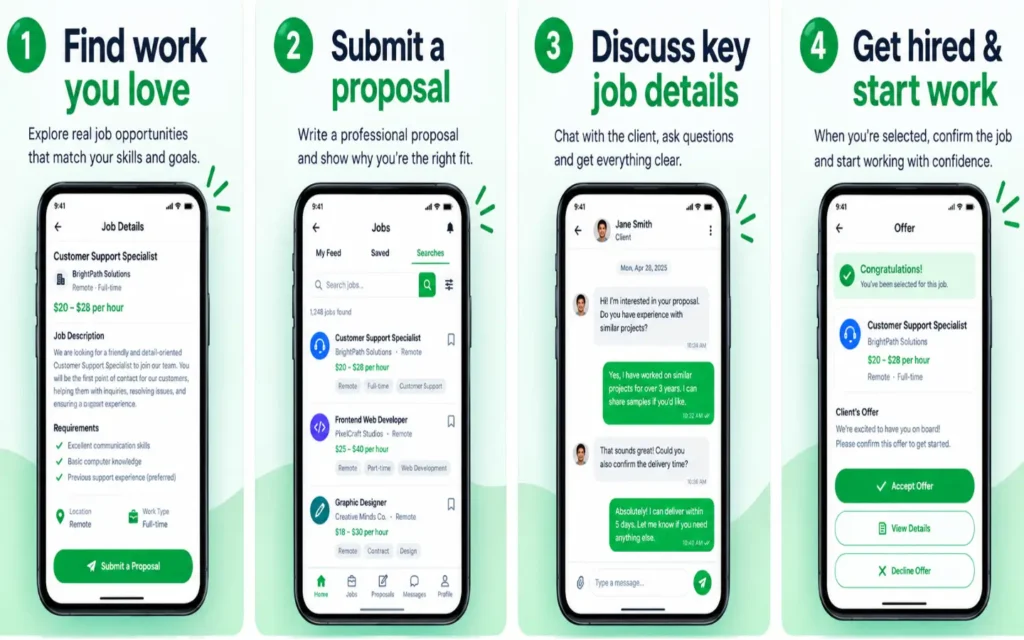
- If you need to schedule a pre-contract call, Upwork's own Help Center points to its in-platform scheduling and Zoom access through Upwork Messages as the sanctioned option.
Frequently Asked Questions
Can I put a Calendly link in my Upwork proposal?
No. Upwork's User Agreement names proposals directly as a place where a Means of Direct Contact, including a link that requests contact information, isn't allowed.
Can I add a Calendly link to my Upwork profile?
No, same reasoning. Profiles sit in the same section of the User Agreement as proposals, job postings, and pre-hire communication.
A client sent me a Calendly link during an interview. Is it okay to use it?
Based on Upwork's current Help Center, no. Interviews count as “before a contract,” and the same restriction on contact information applies there too.
What if the client says other freelancers use Calendly with them all the time?
That's not evidence it's compliant. It could just as easily mean the rule hasn't been enforced in those cases, or that those freelancers took the same risk.
Can I use Calendly once we're under contract?
Yes. Upwork's Help Center is unambiguous here: your own meeting tools are fine once a contract has started.
Does Calendly require an email address to book a meeting?
Yes, by default, per Calendly's own Help Center. There's no documented standard setting that removes it.
What should I use instead, before a contract starts?
Upwork's Help Center points to its own in-platform scheduling and video-call features, reachable through Upwork Messages, as the intended pre-contract option.
What happens if my account gets flagged for this?
Upwork's Help Center describes a range of possible outcomes, from temporary restrictions up to, in some cases, permanent loss of account access. It's framed as graduated rather than automatic, and no source specifies exactly which behavior triggers which level.
Has anyone been suspended just for using Calendly?
No verified, documented case matching that description turned up in this research. That's not proof it's never happened — it's just an accurate statement of what the evidence available here shows.
Is this the same rule as the one about getting paid outside Upwork?
No. The Non-Circumvention terms hold two separate provisions: one governing payment outside the platform, with its own multi-month window and fee option, and a separate one governing pre-contract contact and communication, which is what this article covers. Freelancer discussions online mix the two up constantly.
Does it matter if I'm the one sharing the Calendly link, rather than the client?
The written policy applies the same restriction to both sides. No source in this research specifically covers what happens in practice when a freelancer, rather than a client, sends the link first.
Does Upwork mention Calendly by name anywhere in its policies?
No. The rules are written around a category of behavior — sharing a link that works as a means of contact — rather than naming products. Calendly not being named doesn't mean it's treated any differently from other tools that do the same thing.
Final Takeaway
Upwork's current written policy is fairly clear on this: don't send a client a Calendly link, or anything like it, before you're formally hired. Once a contract exists, the same tool is explicitly fine. The one thing keeping this from being a clean, uncontested answer is a single documented case of an Upwork staff member giving looser guidance in 2023, which nobody at Upwork has ever squared with its own written rules.
Given that the written policy is current, specific, and directly on point — and the looser answer is one unresolved exception — the safer bet for a freelancer who wants to protect their account is to go with the written rule: keep scheduling and contact details on Upwork until a contract exists, then use Calendly however you like.